If you came looking for stable video diffusion, this hands-on comparison shows how two third-party video tools handled a LUMA phone-unboxing prompt. It focuses on the delivered clips, their runtimes, and what the available audio evidence does not establish.
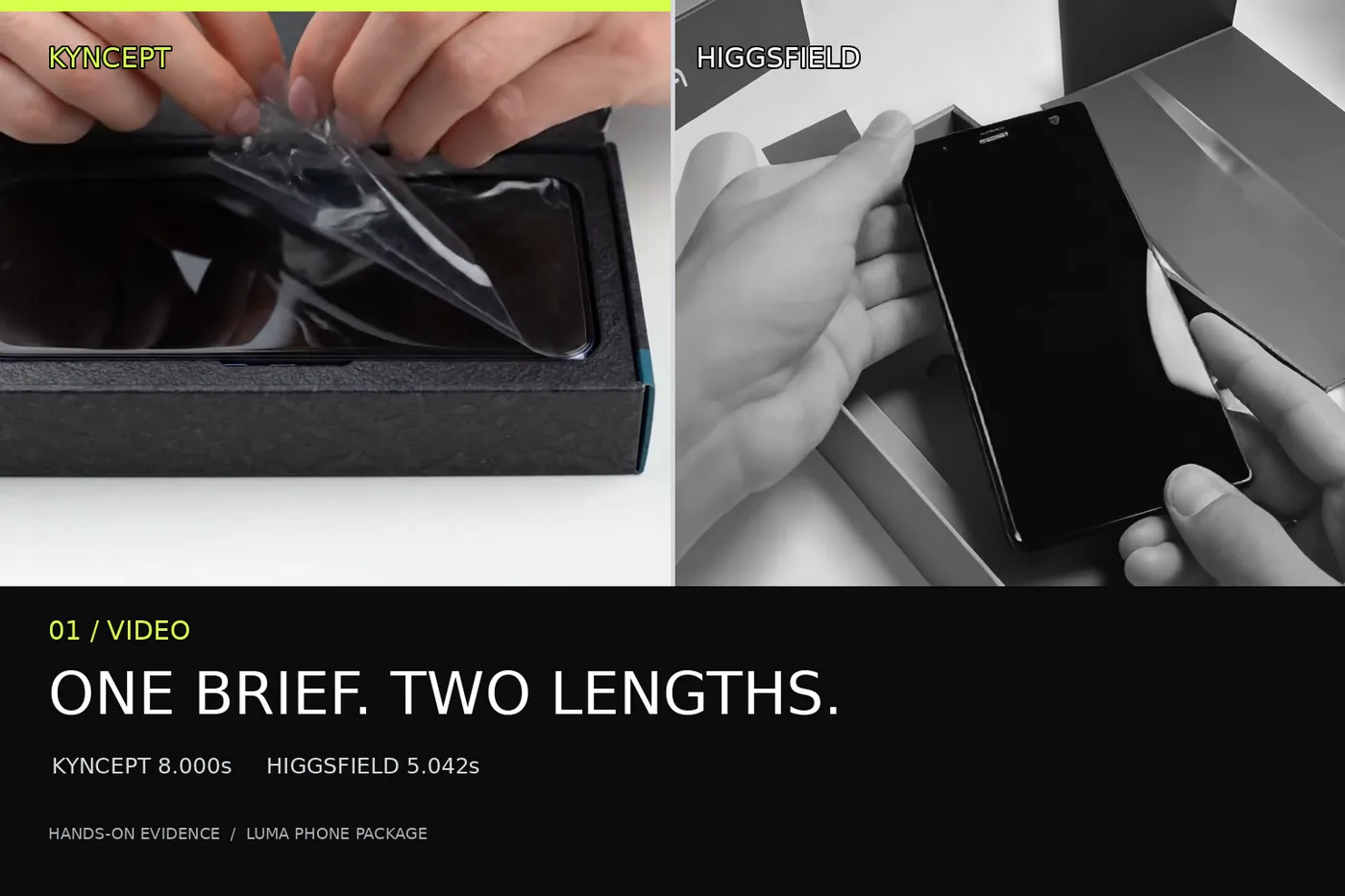
This is an independent, documented hands-on comparison of two third-party tools; both were run on my own accounts — a free tier and a paid plan — with no vendor-provided access. The downloaded clips, visible settings, wallet changes and limitations matter more than any claim to neutrality.
The headline is not a failure story. Higgsfield delivered a playable LUMA phone-unboxing video from a text prompt. Its tested Wan 2.5 Fast setting was five seconds, however, while the request said eight. Kyncept delivered two visually distinct eight-second clips. Those are observations about these jobs, not success rates for either service.
My verdict in 60 seconds
For a brief reveal, the Higgsfield result is usable: box, opening, film and raised handset appear. For an eight-second deliverable, this tested selection is 2.958 seconds short. Both Kyncept runs supplied 8.000-second originals. None of the audio tracks proves the requested sounds synchronize with those actions.
- Delivered clips: one tested Wan result and two Kyncept results; no zero-output narrative.
- Runtime: 5.042 seconds versus 8.000 seconds on each Kyncept file, under different selected settings.
- Turnaround known: Kyncept's UI stopwatch read 91.4 seconds, then 282.1 seconds. A comparable Higgsfield video completion time was not captured.
- Sound: the downloaded files have non-silent AAC tracks; synchronization has not been checked by listening.
That is a narrower verdict than “which video generator wins?” It answers whether the actual files fit this particular edit.
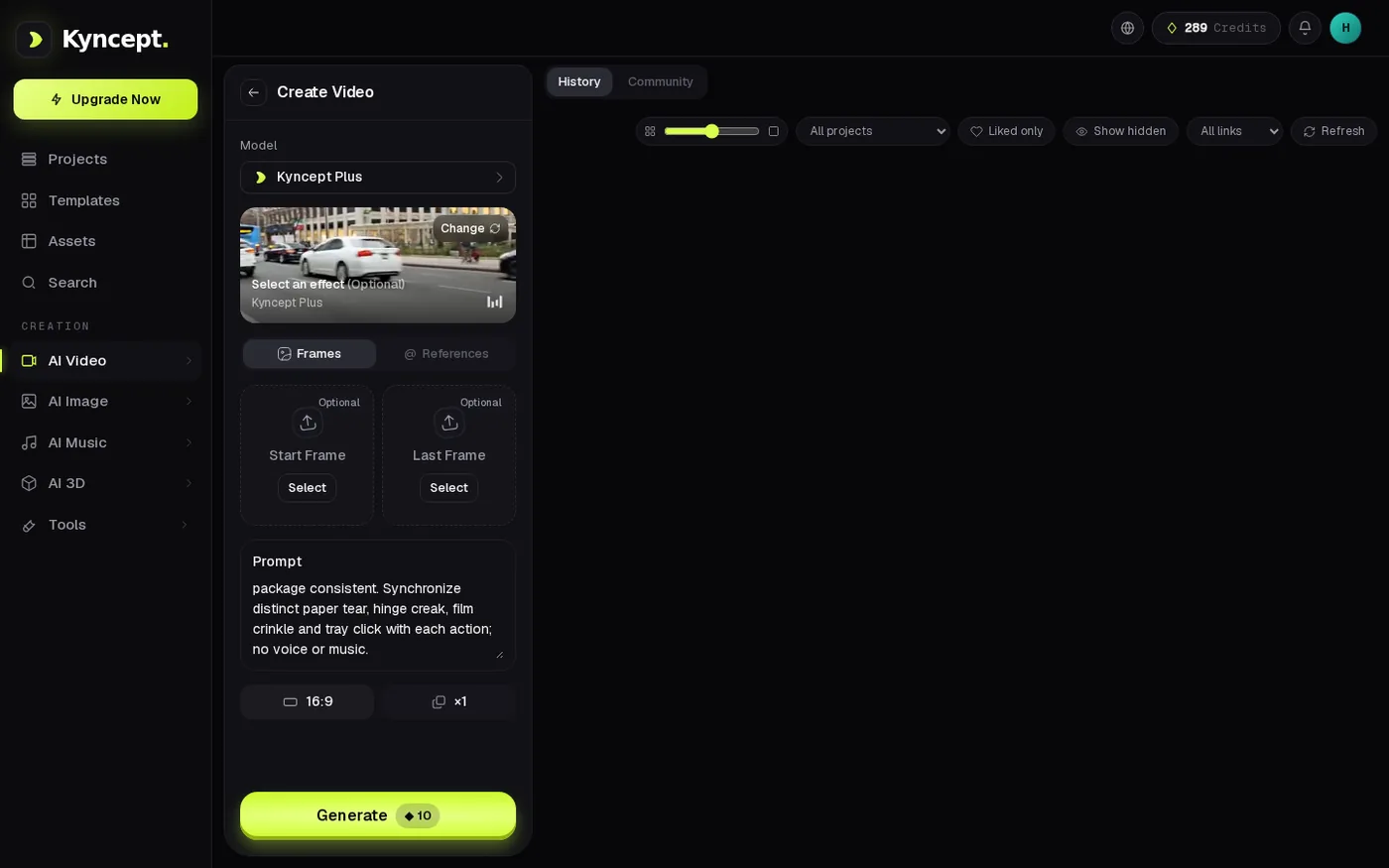
The Kyncept video setup shows optional start and last frames, a text prompt and a 16:9 selection. No reference frame was provided for this test.
One prompt, two different duration settings
The test asked for an eight-second, 16:9 tabletop unboxing of a matte-black smartphone in a charcoal-and-teal LUMA box on a white table. A pair of hands should tear a pull tab, lift the hinged lid, peel transparent film and lift the handset to show its dark screen. It also asked for separately synchronized paper tear, hinge creak, film crinkle and tray click, with no voice or music. This was text-to-video, without an uploaded reference image or start/end frames. Both interfaces had 16:9 selected.
The prompt was adapted from a social-video inspiration, not copied verbatim; its popularity was not independently verified. The sequence of actions makes this a practical prompt to assess against sampled frames.
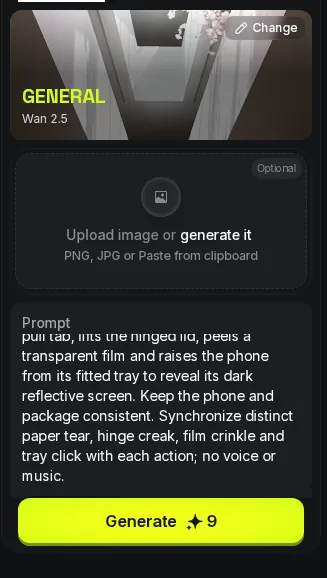
The Higgsfield video setup recorded the LUMA text prompt. The selected Wan job, rather than the eight-second wording inside that prompt, determined the shorter output setting.
Why “eight seconds” in the prompt did not deliver eight seconds
For the tested Higgsfield run, the interface selected Wan 2.5 Fast, 5 seconds, 720p and 16:9. The downloaded file was 5.042 seconds. Writing “8-second” inside the prompt did not turn the five-second setting into an eight-second setting. This is not evidence that every Higgsfield model is capped at five seconds; only this Wan selection was run in the phone case. It is also not an equal-settings race against Kyncept's eight-second output.
For one uninterrupted eight-second original: 8.000 − 5.042 = 2.958 seconds short. A loop or ending card could fill the timeline, but would not add generated footage. A five-second social cut could instead use the file at its measured length.
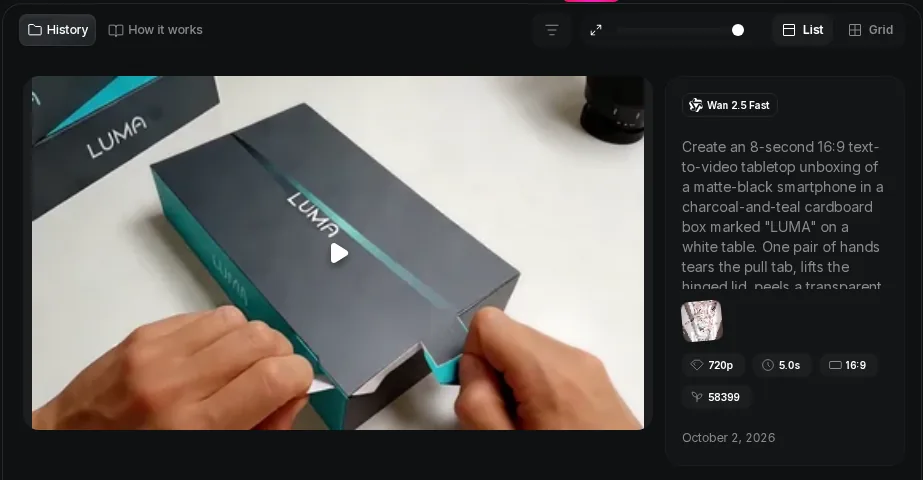
The playable Higgsfield result card identifies Wan 2.5 Fast and displays 5.0s and 16:9; the separately downloaded original measured 5.042s.
Higgsfield did produce the phone reveal
The single tested Higgsfield video is not a placeholder or a failed card. The result appeared playable in the interface, its individual job ID matched the downloaded MP4 URL, and the original file decoded. A four-frame contact sheet samples the video at 0.5, 1.8, 3.0 and 4.5 seconds. The first frame shows hands at a dark LUMA box; the second shows its opened packaging and handset; the third shows a sheet of film over the phone; the last shows the phone held up. That is a recognizable visual progression through the requested unboxing.
This is not proof of exact compliance. Four sampled frames show the broad sequence, not the hinge mechanics or frame-by-frame consistency of the package and handset. The main visual beats are represented; every spatial instruction has not been verified.
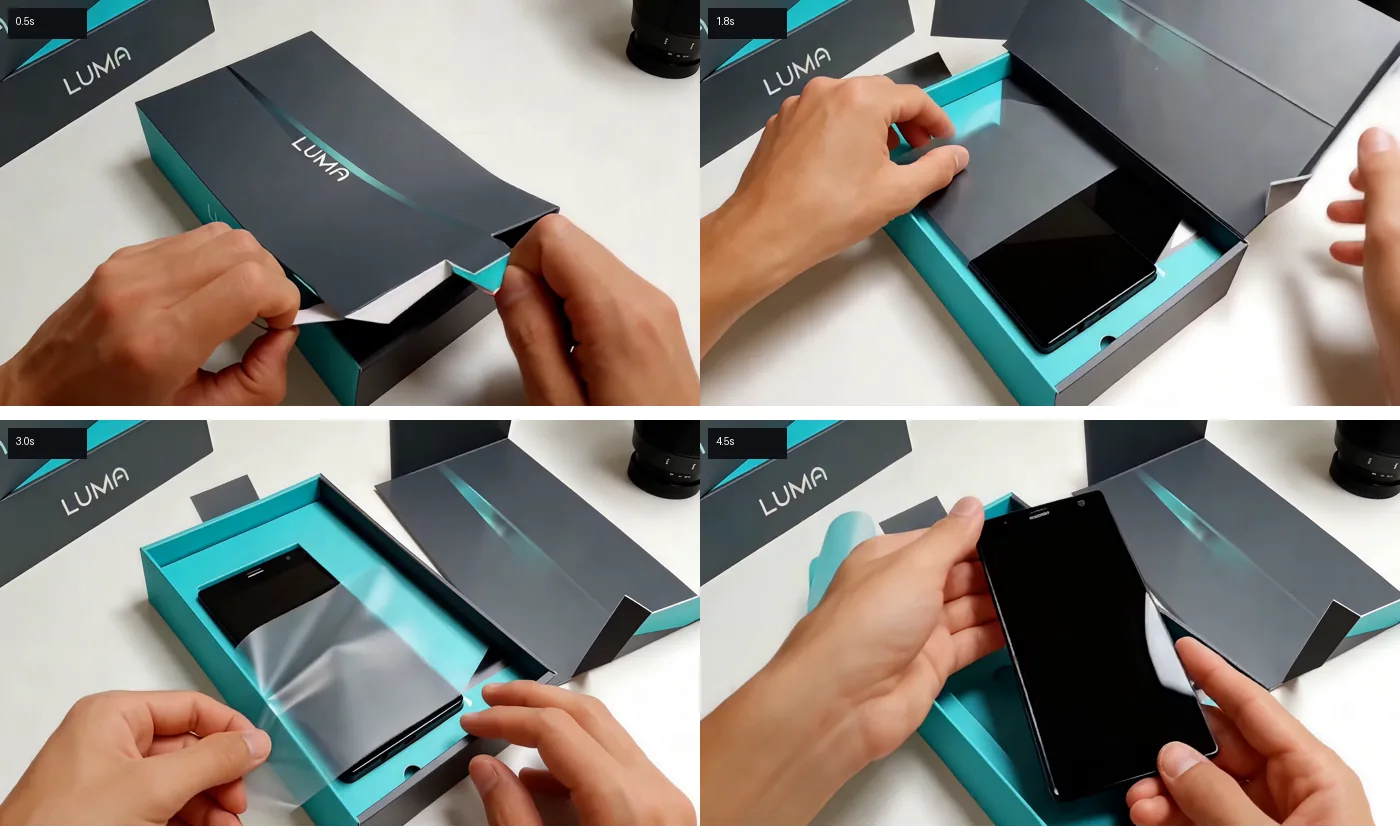
At 0.5/1.8/3.0/4.5s, the tested Wan clip moves from LUMA package to open box, film and raised handset. These are sampled stills, not a frame-by-frame fidelity audit.
The first Kyncept file uses the full eight seconds
Kyncept's first run completed in 91.4 seconds on the UI stopwatch and downloaded as an 8.000-second, 1280×720, 24 fps H.264 MP4 with stereo AAC, weighing 2,148,345 bytes. The account moved from 289 to 279 Kyncept credits, a ten-unit change for that job. This is a product-specific credit receipt, not a dollar cost or a currency comparable with Higgsfield's.
At 1, 3, 5 and 7 seconds, sampled frames show a LUMA-marked closed box, an opened tray, a peel of clear film and hands lifting the dark phone above the tray. These visual checkpoints fit inside the eight-second original. They do not verify its sound effects.
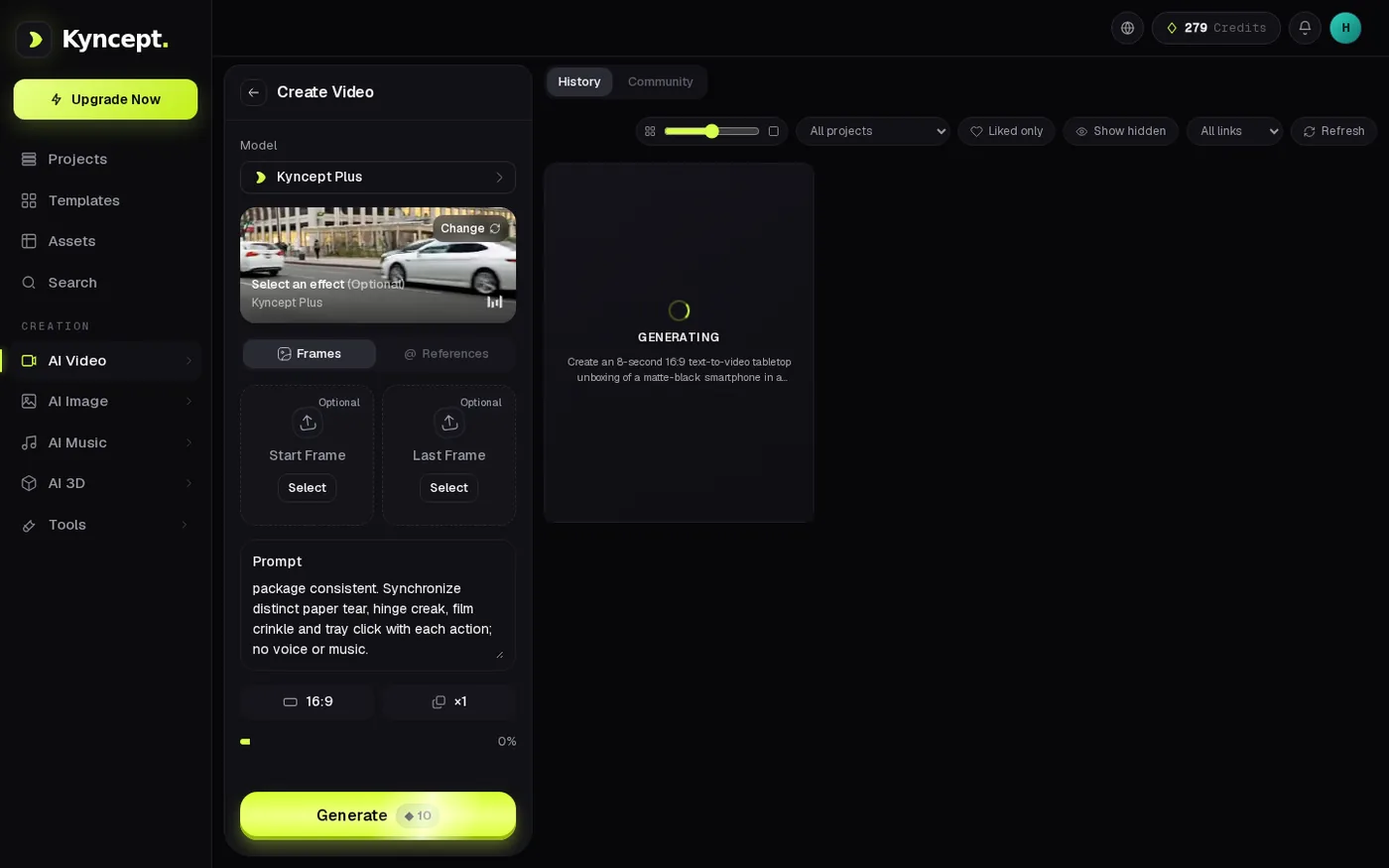
The first Kyncept job was observed generating before its finished video appeared; the measured 91.4s comes from the UI run, not this still alone.
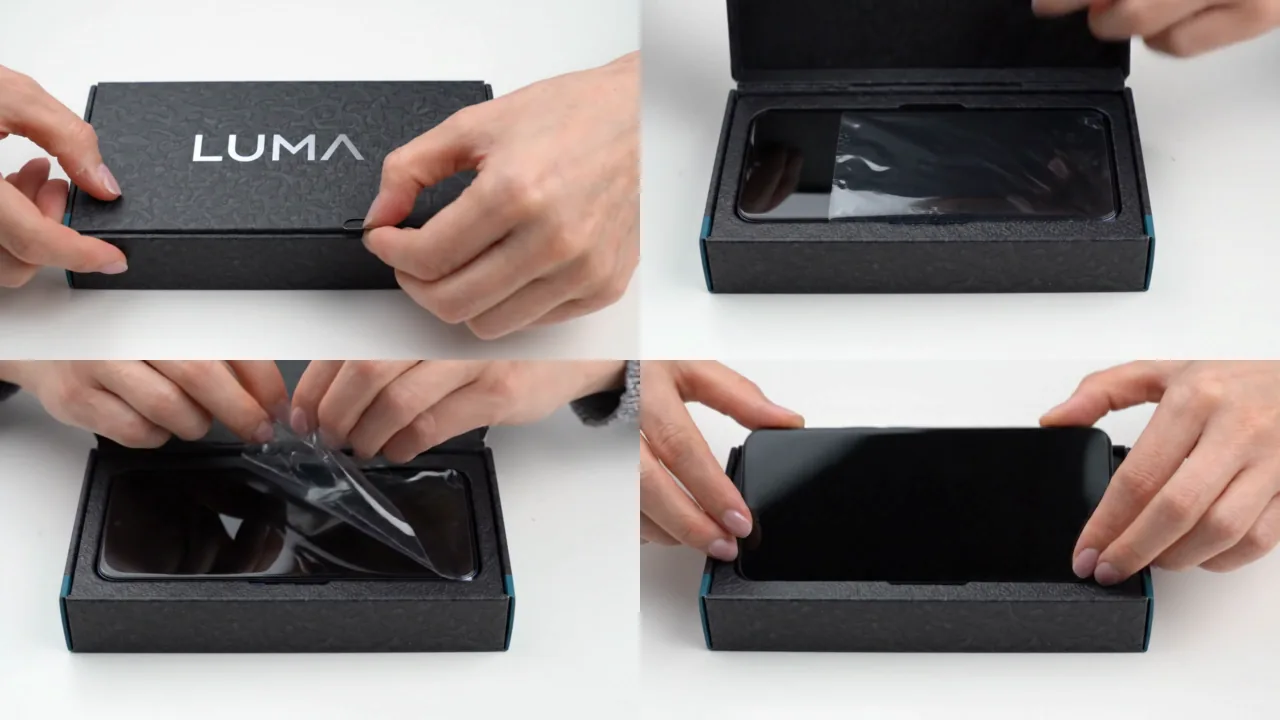
The 1/3/5/7s samples show a LUMA lid, open tray, film peel and phone being lifted. The original runs 8.000s.
A second render is a second variant, not a duplicate
One successful clip tells you what one draw looked like. To check whether a second draw merely repeated it, Kyncept was run again with the same video text. The second original was another 8.000 seconds at 1280×720 and 24 fps, weighing 1,951,133 bytes. The wallet moved from 279 to 269, again a ten-Kyncept-credit change. It was not visually identical to the first: the four paired sampled frames gave grayscale SSIM readings of 0.5697, 0.5914, 0.4078 and 0.3310, with a mean of 0.4750. Here SSIM serves only as a difference check. It is not a quality score or a claim that the second video is better.
The second opening shows a more prominent pull tab; later samples show a dark handset, film peel and the phone held upright. A creator gains a choice of composition, not a measured service-wide diversity rate. Two runs versus one are not comparable success rates.
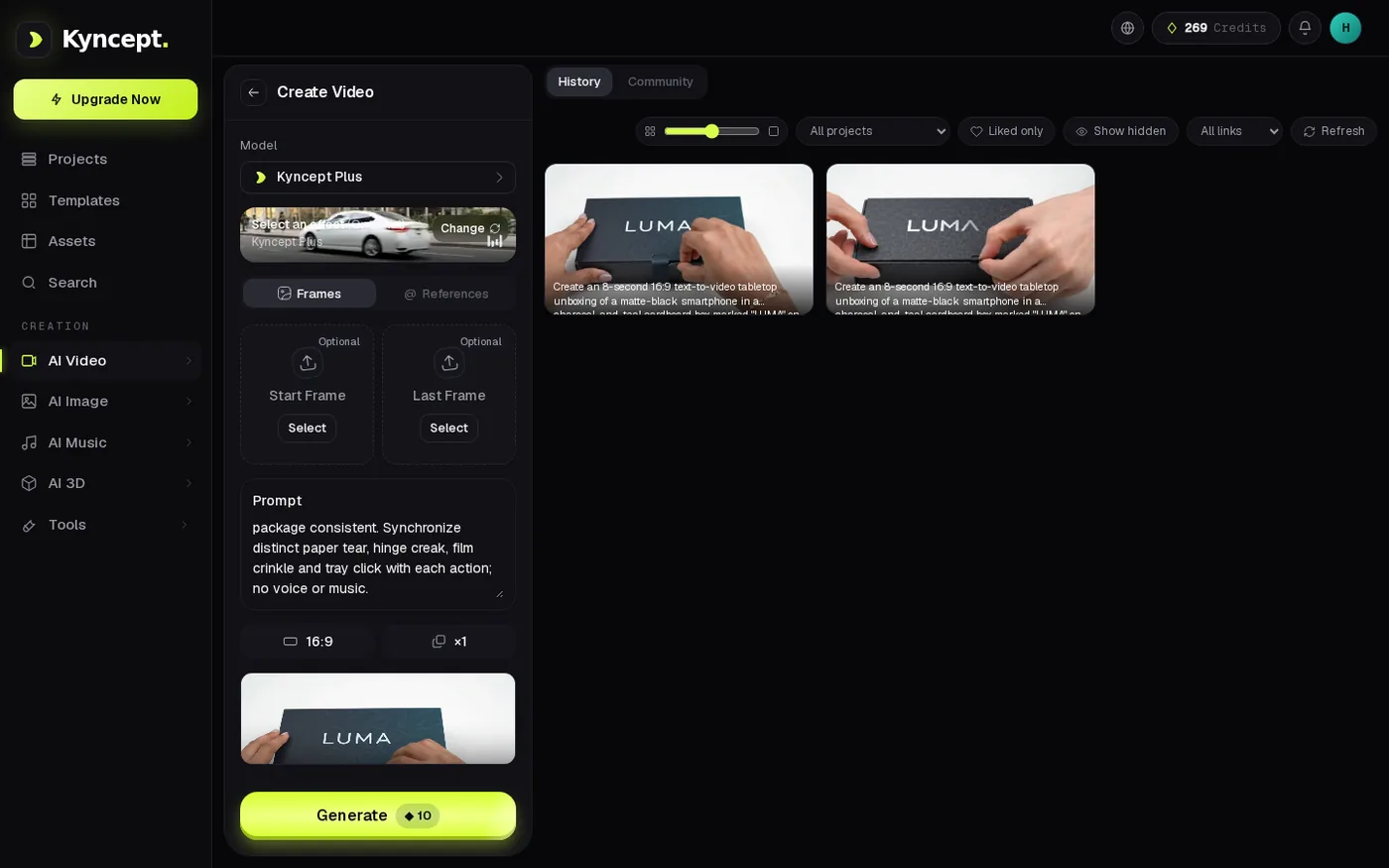
The project view displays two Kyncept LUMA video cards after the second job finished; the downloaded originals, not thumbnail count alone, establish the distinct variants.
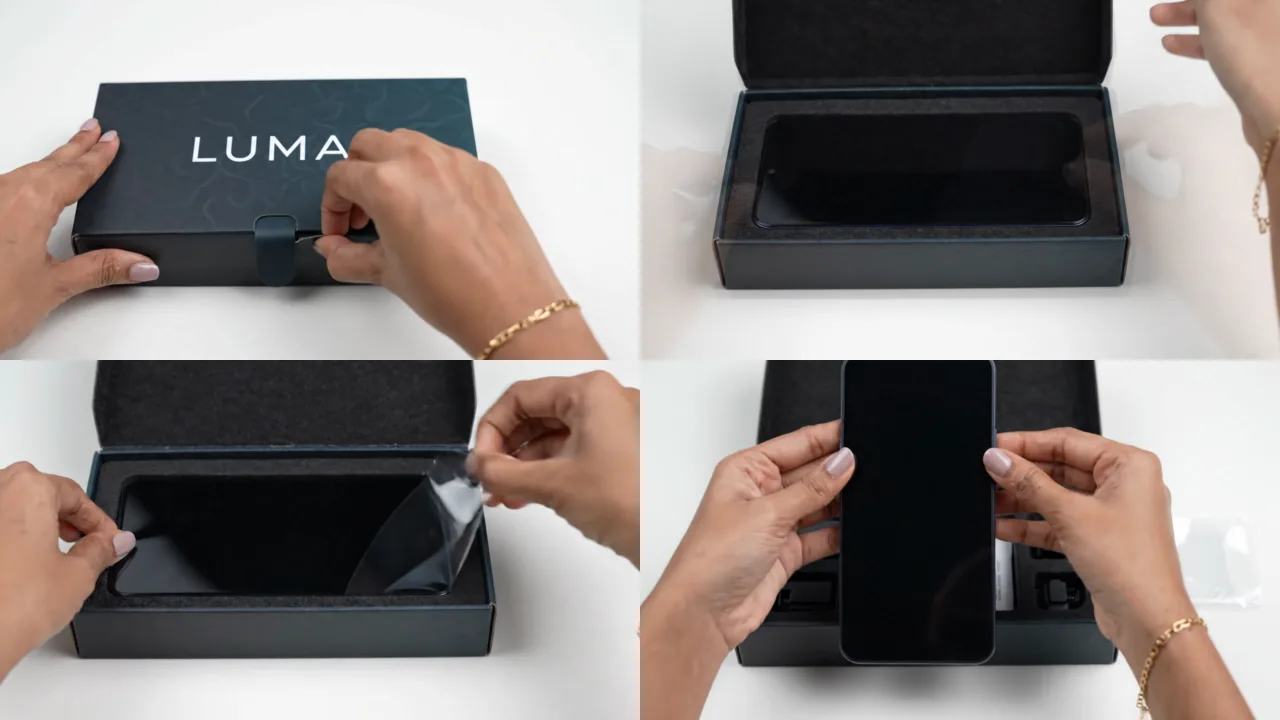
At 1/3/5/7s the second Kyncept result shows a different pull-tab composition, opened box, peeling film and upright phone.
The slow second run changes the production plan
The second Kyncept job's UI stopwatch read 282.1 seconds against 91.4 seconds for the first: 190.7 seconds longer, roughly 3.09× as long. A creator should not promise a deadline based on the first run alone. Two jobs cannot establish typical completion time or a queue policy.
There is no symmetrical Higgsfield number to place beside those stopwatch readings. Its submission click was recorded, but the after-click script crashed before printing the timestamp needed to calculate precise UI completion. The raw response log also cut off its JSON at 1,500 bytes, so a full terminal status response was not independently parsed. The playable completed card, matched individual ID and decoded download establish delivery; they do not reconstruct the missing completion clock. “Higgsfield took X seconds” would be invented here.
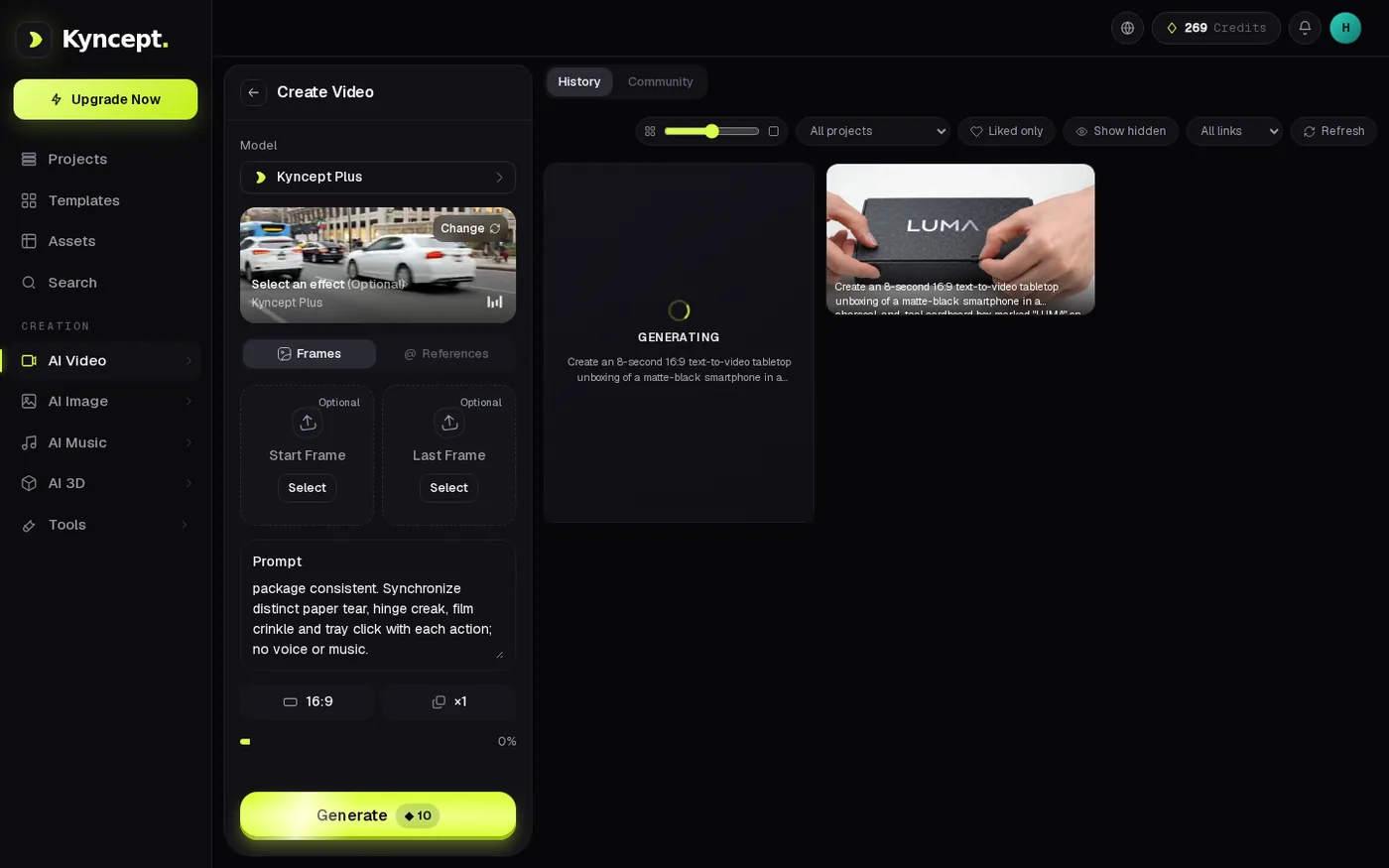
The second Kyncept generation remained in progress before its later completion; its measured UI elapsed time was 282.1s.
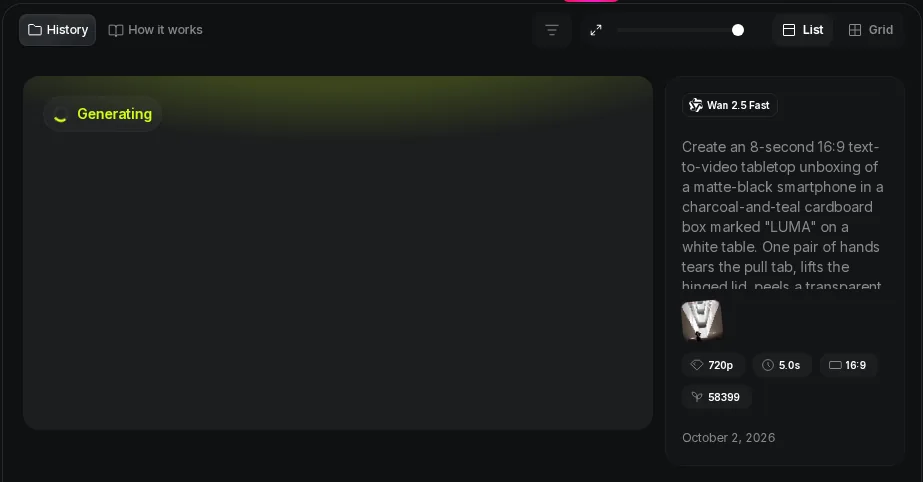
The Higgsfield UI showed a generating state, but this screenshot cannot recover the missing after-click completion timestamp.
Soundtrack presence is not Foley accuracy
All three downloaded originals contain non-silent stereo AAC. Higgsfield's measured peak was approximately 0.0 dBFS; the Kyncept tracks peaked at −5.0 and −10.4 dBFS. Peaks establish signal level, not whether a paper tear, hinge creak, film crinkle or tray click coincides with the matching movement. The Higgsfield peak reaches the measured maximum; this alone cannot diagnose audible distortion.
No listening or speech-recognition check was performed. The prompt's “no voice or music” instruction is therefore unverified too. Before release, listen to the complete file against each action and replace mistimed audio if necessary. This is a recommendation, not an observed audio failure.
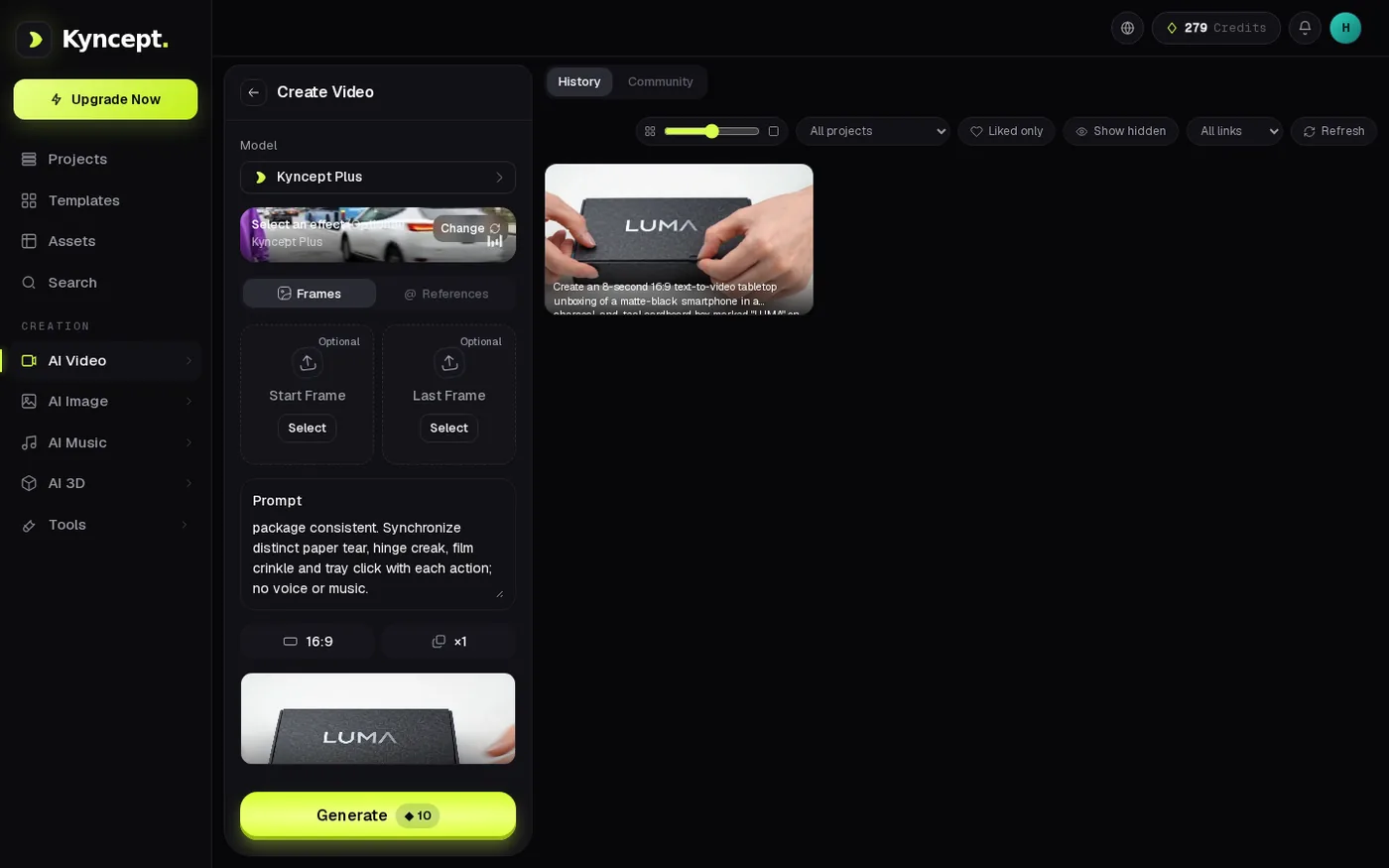
The finished video card confirms visual delivery; it does not show which sounds are present in the AAC track.
File specifications, without a false quality ranking
The Higgsfield original measured 1904×1104, 24 fps, 5.042 seconds, H.264/AAC stereo and 7,937,554 bytes. Kyncept's two originals were 1280×720, 24 fps, 8.000 seconds, H.264/AAC stereo, with byte sizes of 2,148,345 and 1,951,133. Higgsfield thus supplied more pixels per frame in this observed file, despite the selected UI label reading 720p. That is a useful file fact, but it does not isolate which service creates sharper images: the model, selected duration and generated compositions were not matched.
The byte counts are similarly operational rather than aesthetic. At an idealized 12 Mbps, the first Kyncept original's bytes alone would take about 1.432 seconds to transfer, versus 5.292 seconds for the Higgsfield original. Those are bytes × 8 ÷ 12,000,000, before network handshake, storage, transcoding or congestion. A shorter clip being the larger file is noteworthy for a transfer budget, but not proof of inferior compression or better-looking video under unequal outputs.
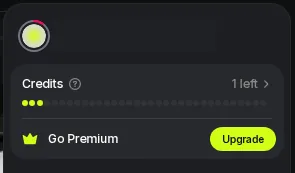
The Higgsfield video wallet receipt ends at one credit after starting at ten; the nine-unit change belongs only to Higgsfield's credit system.
A phone-launch edit: which original fits the timeline?
For an eight-second shot ending on a lifted handset, the tested Wan original leaves 2.958 seconds for an edit or additional footage. Its late sample already shows the lifted phone, so a compact reveal may use the file as delivered. This is a timeline fit, not a universal product ceiling.
Both Kyncept originals run 8.000 seconds and show a late phone reveal. The second composition cost another ten Kyncept credits and took 282.1 seconds on the UI clock. A five-second edit might instead value Higgsfield's 1904×1104 source raster. Duration, pixels and variant choice are measurable here; Foley timing is not.
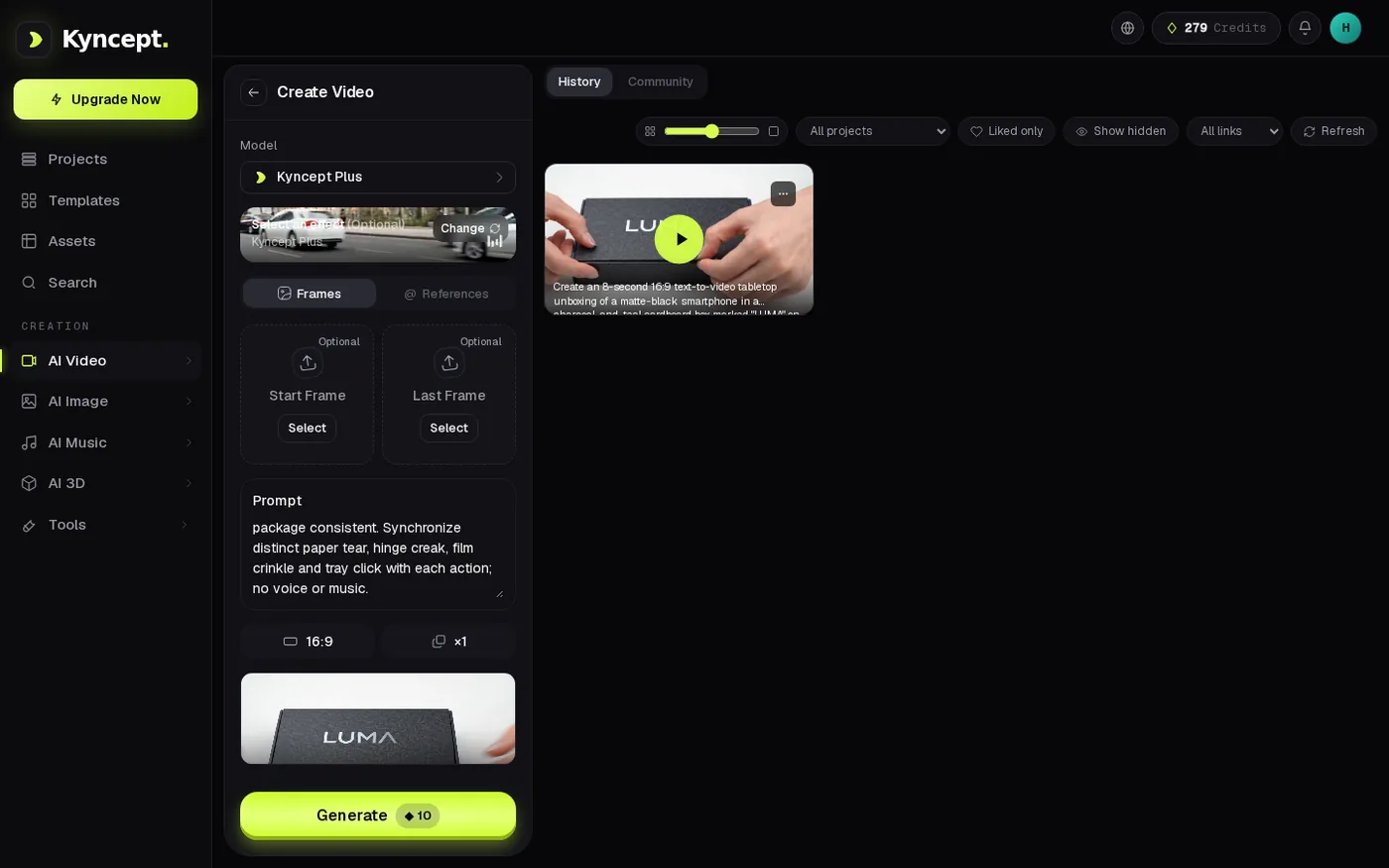
The second Kyncept setup precedes a separately billed second generation, not an automatic extension of the first clip.
Where Higgsfield genuinely has an observed advantage
The Higgsfield job produced a playable, recognizable unboxing with a 1904×1104 file, compared with the 1280×720 Kyncept originals. More pixels can give an editor a larger source raster to crop or downscale; this test cannot guarantee extra visible detail in every frame. The shorter duration may be a feature for a short reveal when the brief permits it, rather than a defect. It becomes a shortfall only against this prompt's explicit eight-second delivery requirement.
A limited side observation from the same phone-package case: when both interfaces selected the publicly shown Nano Banana Pro image option, the two Higgsfield image completion cards were observed no later than 41.01 and 37.63 seconds; the paired Kyncept UI stopwatch readings were 55.7 and 54.0 seconds. That is an advantage in these two observed image jobs, not evidence about video generation time. Both sides also made recognizable LUMA cardboard imagery. Image rendering deserves its own comparison rather than being smuggled into a video-speed verdict.
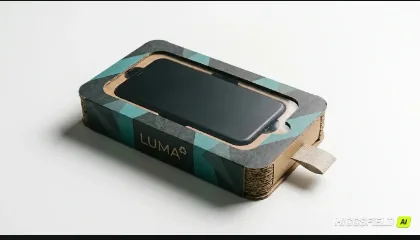
This is an image result, not a second video test. Its first observed completion card was no later than 41.01s in the separate image run.
Final verdict: delivery is real, but the settings decide suitability
The tested Higgsfield Wan job succeeded: a playable, downloaded 5.042-second LUMA unboxing represented the major visual stages. It should not be described as zero clips, nor should its missing stopwatch value be guessed. Kyncept supplied two distinct 8.000-second variants, but their measured UI times spread from 91.4 to 282.1 seconds. One run on one side and two on the other cannot establish a failure rate or overall winner.
Which one I would use for this job
For this requested eight-second shot, I would begin with the tested Kyncept workflow at https://kyncept.com because its delivered originals fit the specified timeline; I would still audit the full soundtrack before release. For a compact five-second reveal where the larger observed source raster matters, the Higgsfield file is a usable option. This recommendation is conditioned on the delivered files, not a prediction that either product will repeat the outcome on the next prompt.
Originally published on Medium: Higgsfield AI Video Review 2026: The 5-Second LUMA Unboxing.