Stable Video Diffusion: Image to Video
Bring a still photo to life. Upload an image and Stable Video Diffusion animates it into a smooth, lifelike video clip — free, in your browser, with no GPU or install. Switch the tool below to image mode to upload your own still.
How image to video works
Three steps from a still image to a finished Stable Video Diffusion clip.
Upload a still image
Start from any clear photo or rendered frame — a portrait, product shot, or landscape. Switch the tool to image mode and drop your file in.
Animate with SVD
Stable Video Diffusion reads your image and predicts motion frame by frame with latent video diffusion, keeping the subject stable and coherent.
Preview & download
Your still becomes a smooth, lifelike clip in seconds. Play it back and download the finished image to video result.
Image to video examples
Still images animated into motion with Stable Video Diffusion.
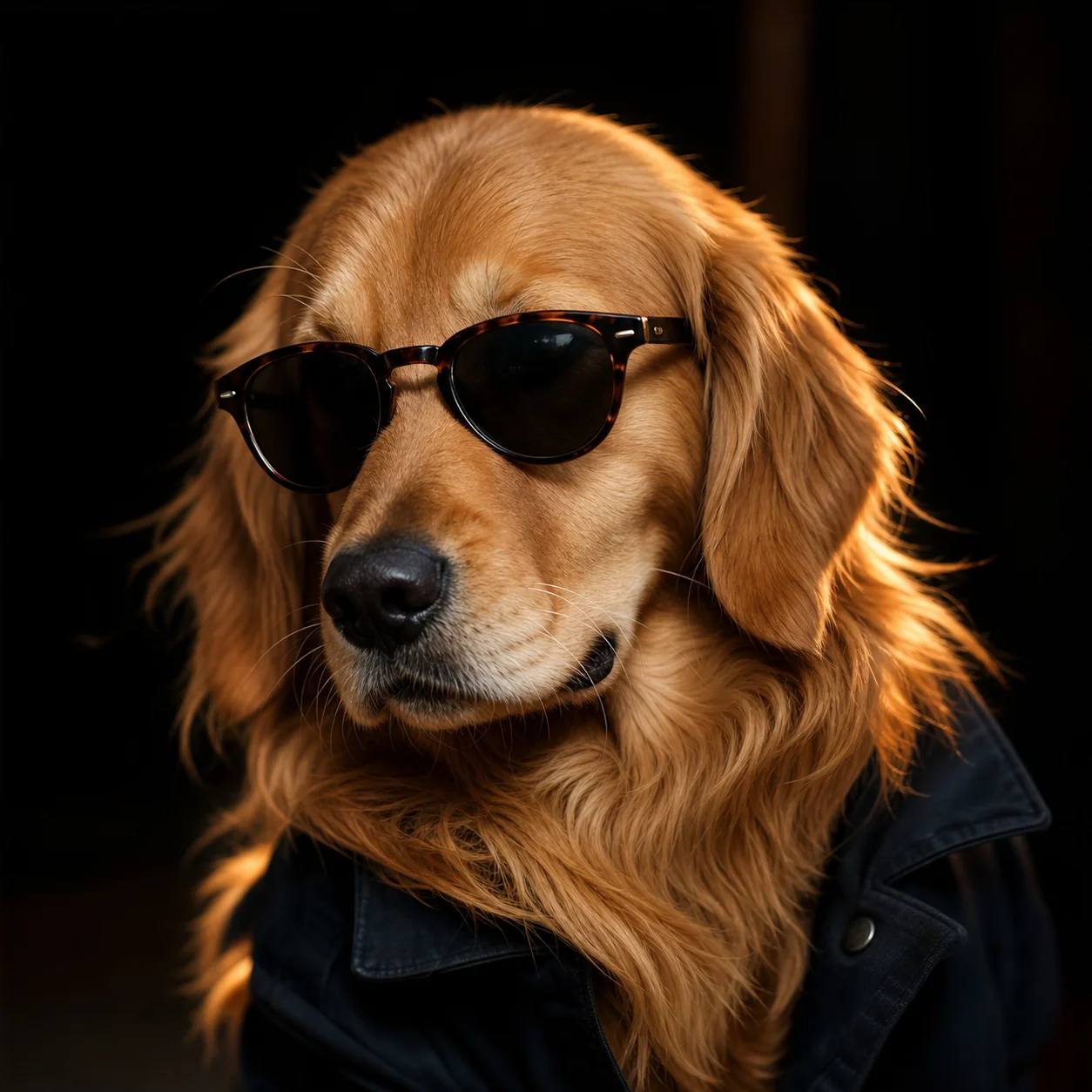
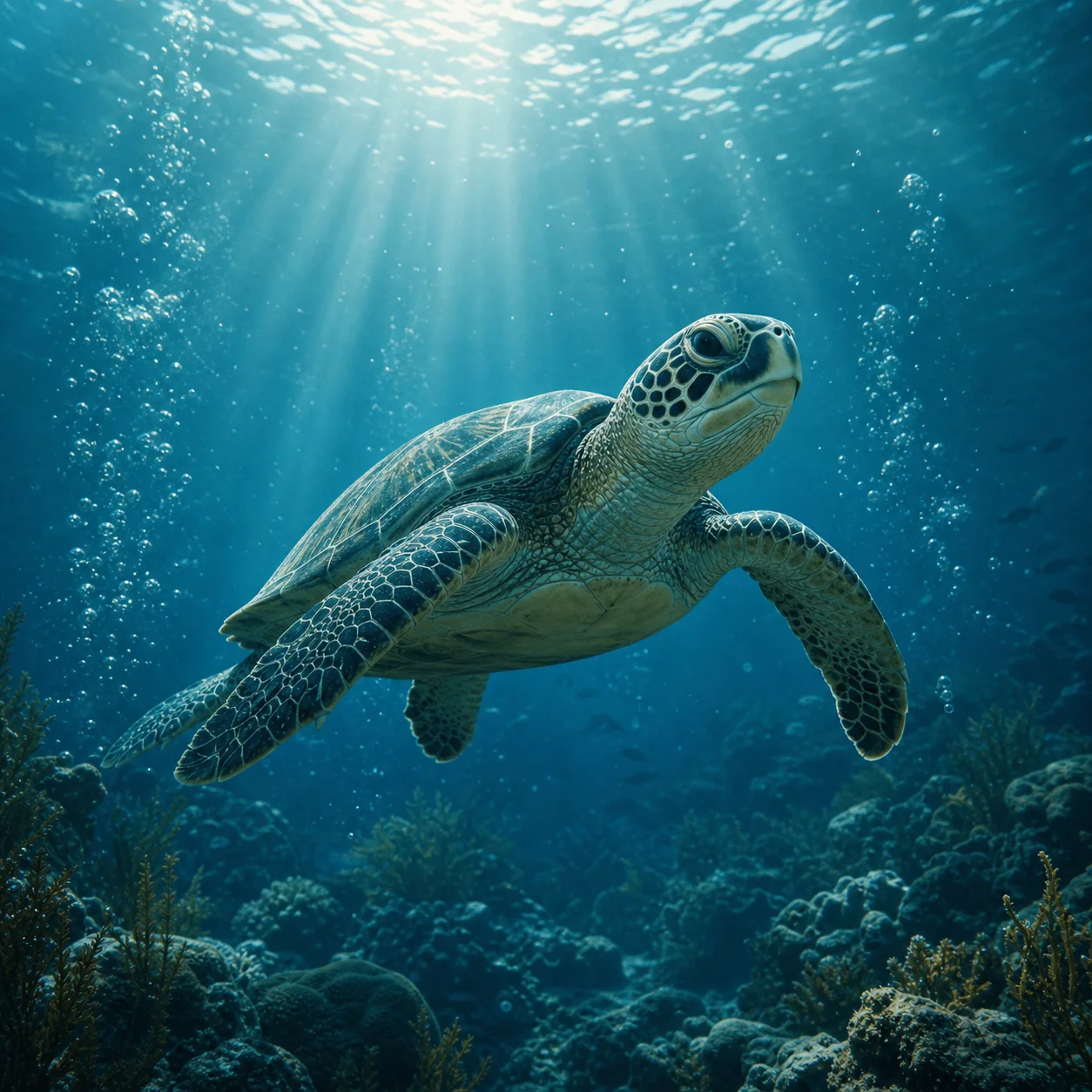
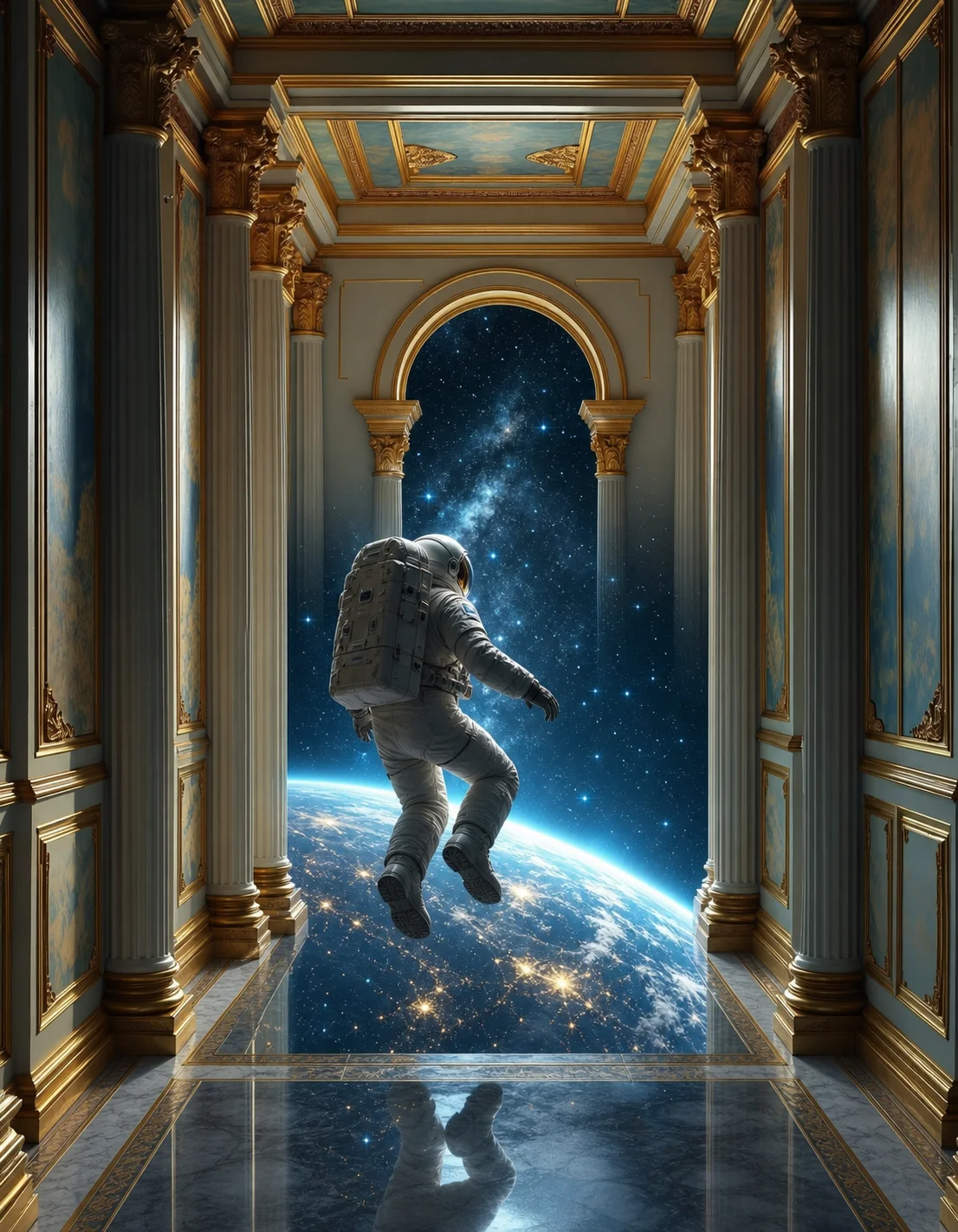
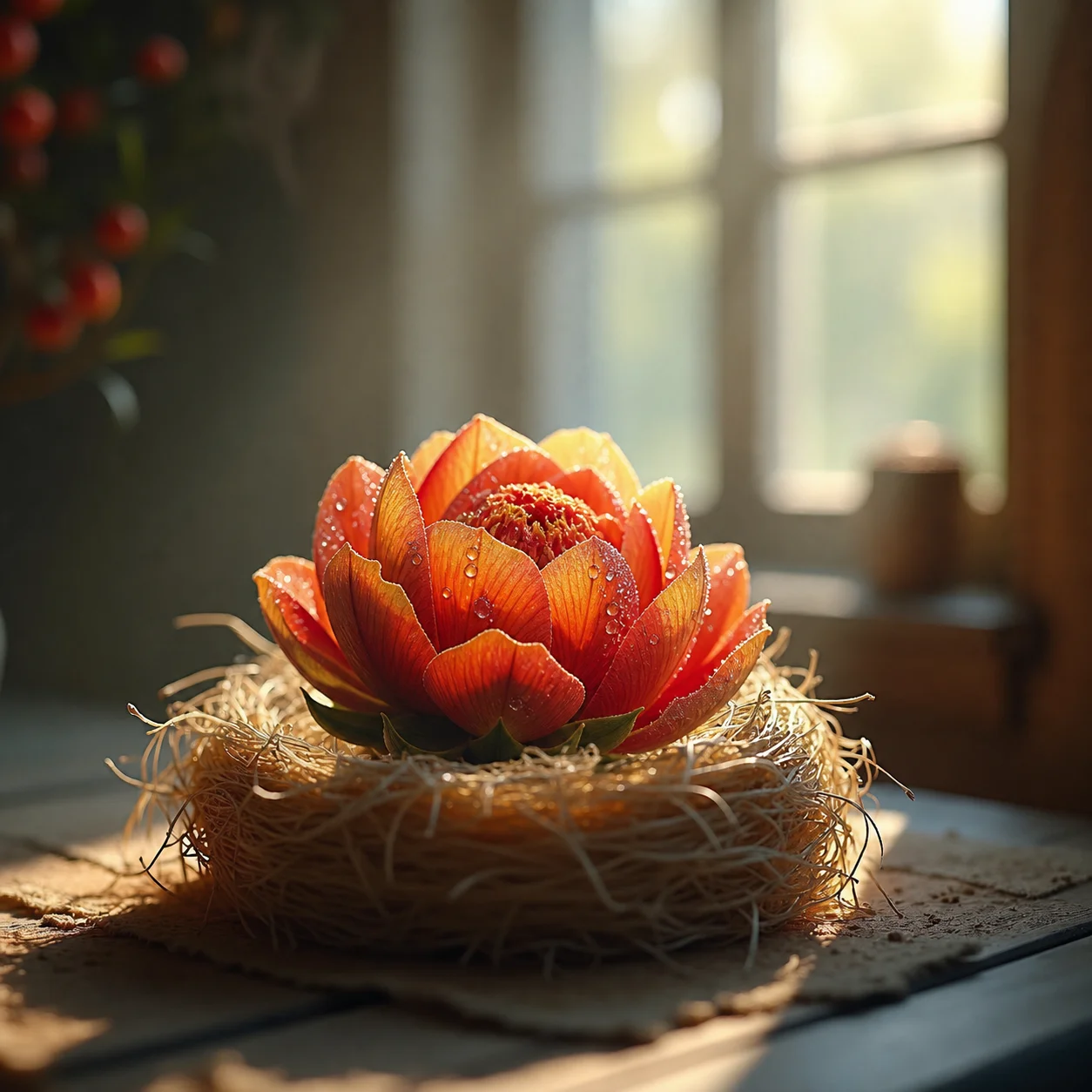
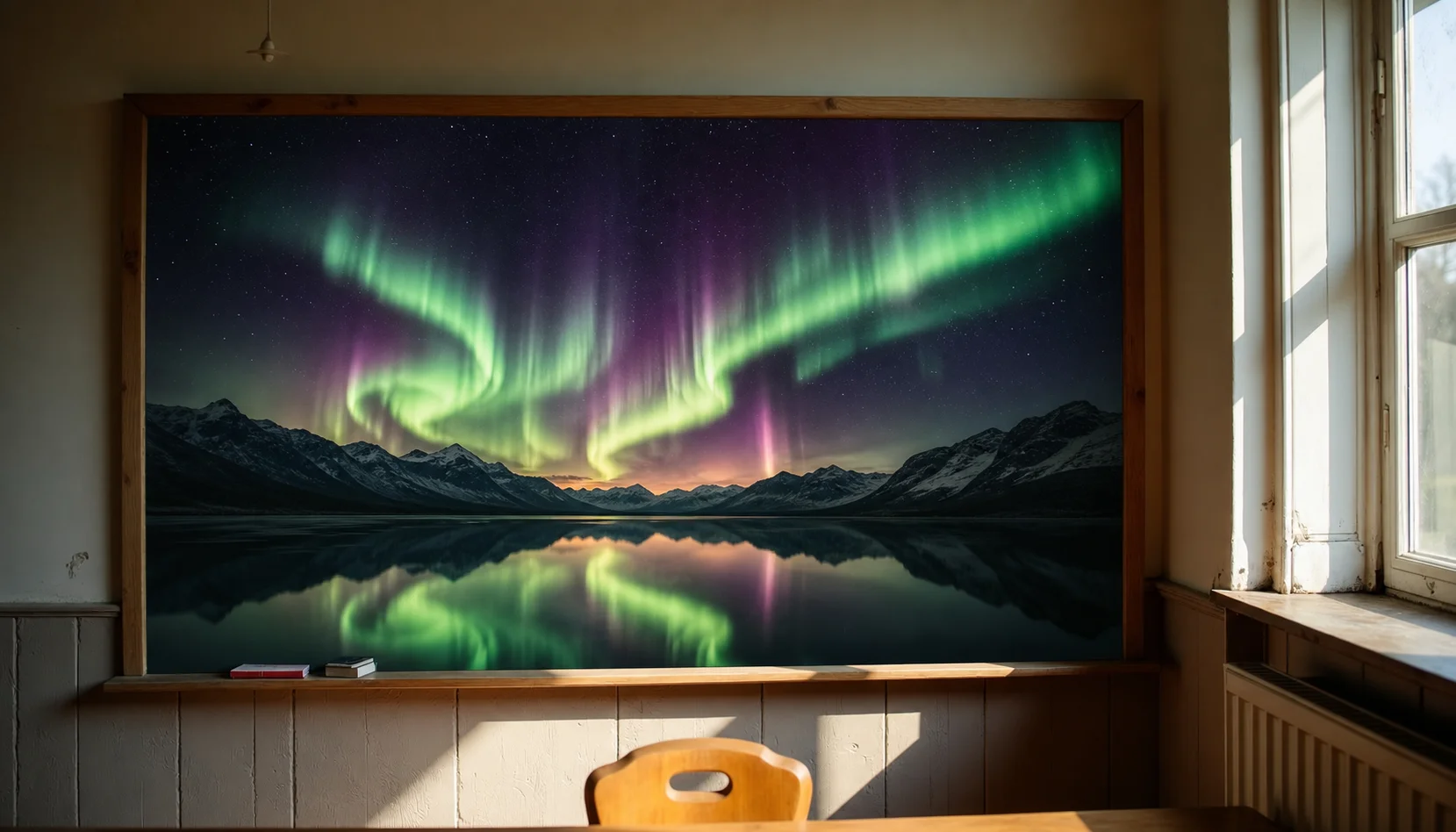
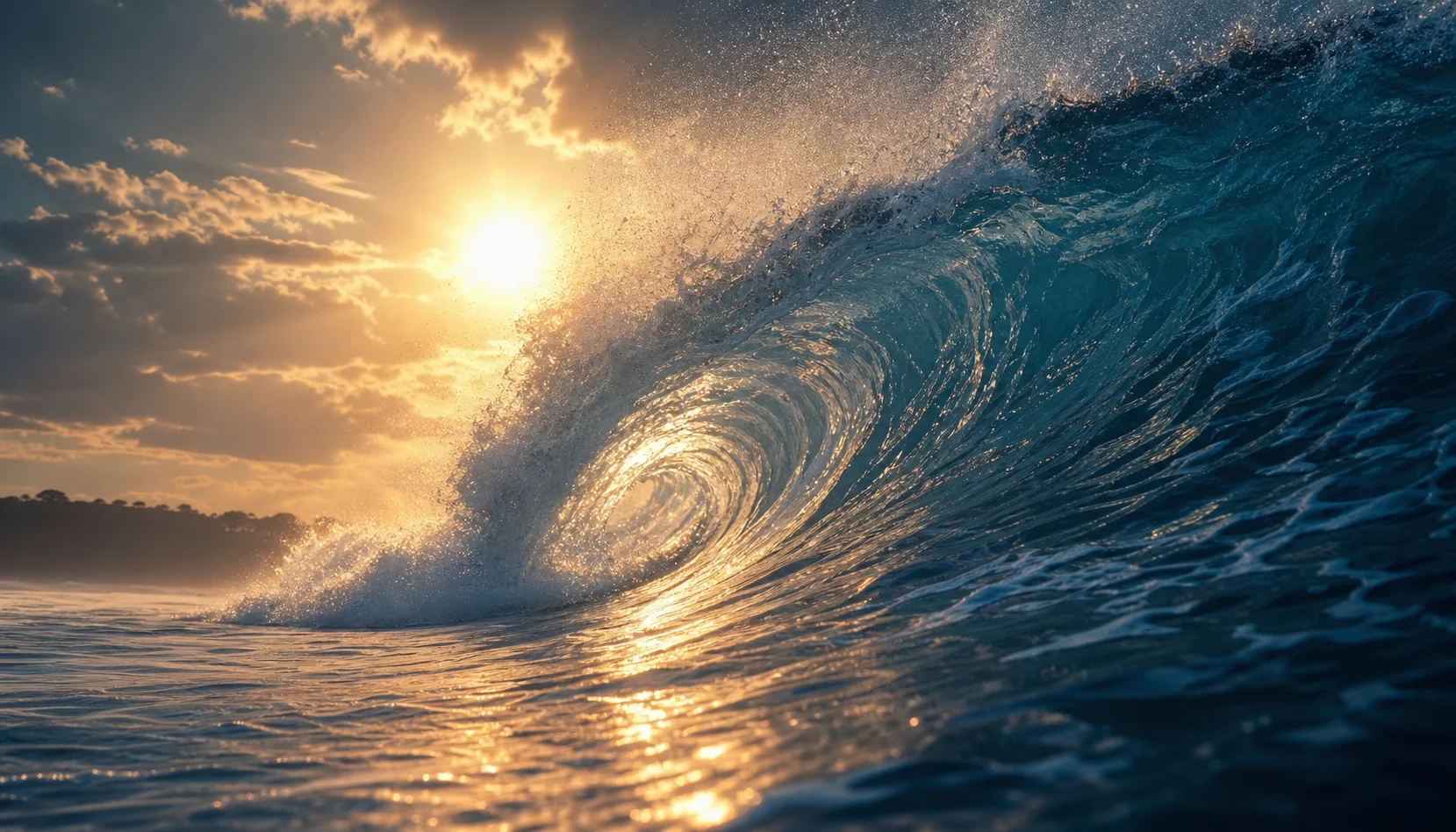
Image to video FAQ
Stable Video Diffusion (SVD) is an open latent video diffusion model from Stability AI built specifically for image-to-video. You give it a single still and it generates a short clip of 14 to 25 frames, predicting natural motion directly from the image.
Clear, high-resolution stills with a defined subject animate best. Photos, AI-generated frames, and product shots all work — the cleaner the input, the smoother and more stable the resulting motion.
Stable Video Diffusion conditions generation on a motion bucket and target fps rather than a text prompt. These controls set how much movement appears and how fast it plays, so you can keep motion subtle or make it more energetic.
Yes. You can animate images for free in your browser with no GPU or install, and your uploads are processed for generation only — not stored or shared.
Animate your first image
Upload a still and let Stable Video Diffusion add the motion.