Stable Video Diffusion: Text to Video
Type a prompt and watch it move. Stable Video Diffusion turns your text into a still, then animates it into a smooth AI video clip — free, in your browser, with no GPU or install.
How text to video works
Three steps from a sentence to a finished Stable Video Diffusion clip.
Describe your scene
Write a short text prompt describing the shot you want — a subject, a setting, a mood. Stable Video Diffusion turns your words into a starting still.
Animate with SVD
The generated frame is fed into Stable Video Diffusion, the latent video diffusion model that adds smooth, coherent motion across every frame.
Preview & download
Watch the rendered clip play back in seconds, then download your finished text to video result ready to share anywhere.
Text to video examples
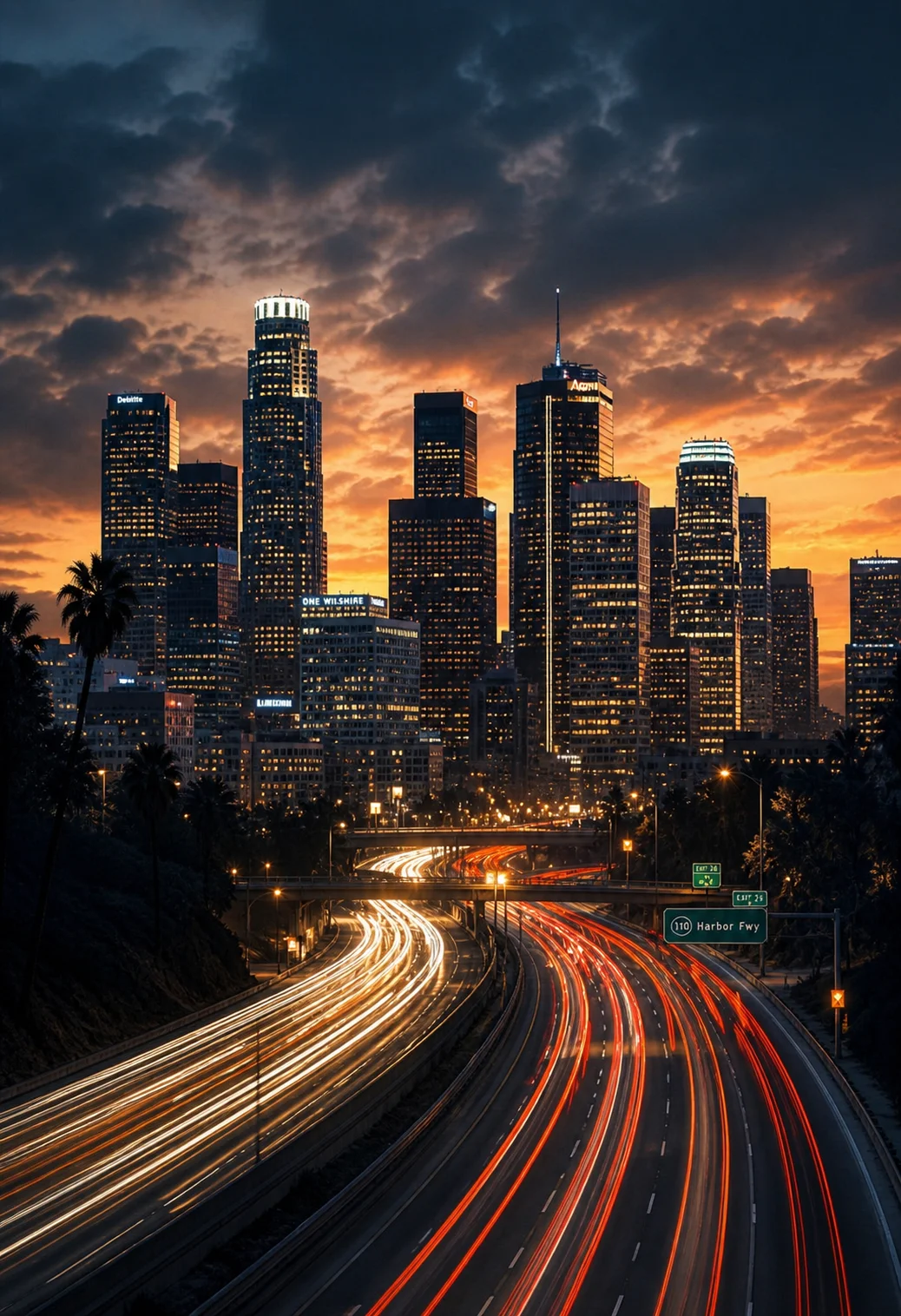
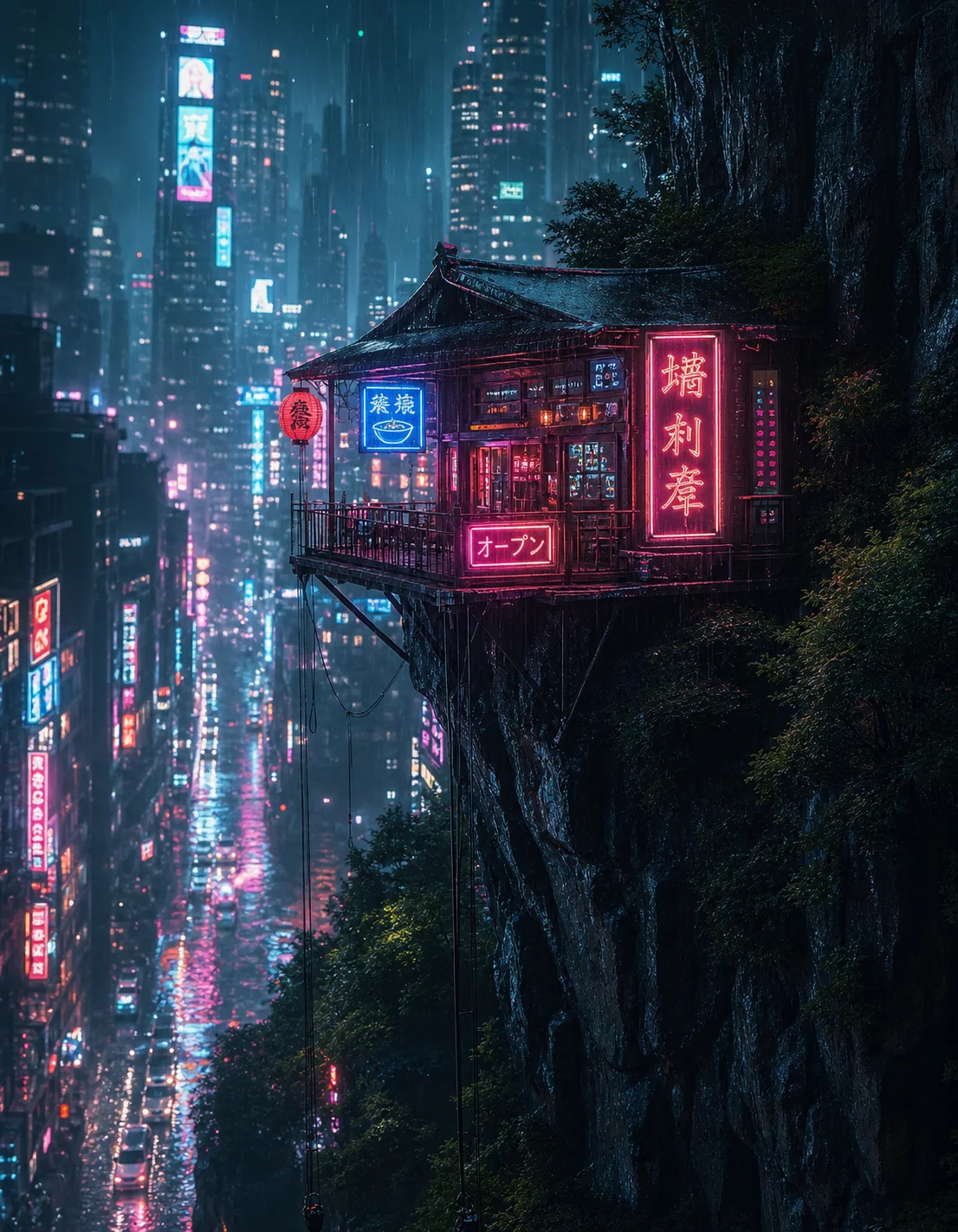
Real clips generated from a prompt with Stable Video Diffusion.




Text to video FAQ
Stable Video Diffusion is natively an image-to-video model, so text to video runs in two steps: your prompt first generates a still image, then SVD animates that frame into a smooth clip using latent video diffusion. You get the convenience of a text prompt with the motion quality of SVD.
Yes. You can generate text to video clips for free right in your browser — no GPU, no install, and no sign-up needed to try it.
Stable Video Diffusion produces short clips of 14 to 25 frames depending on the model variant, ideal for loops, social posts, and quick concept shots.
No. Everything runs in the cloud, so you can create text to video clips from any device without local hardware or setup.
Turn your next idea into video
Write a prompt, generate, and animate with Stable Video Diffusion in minutes.